
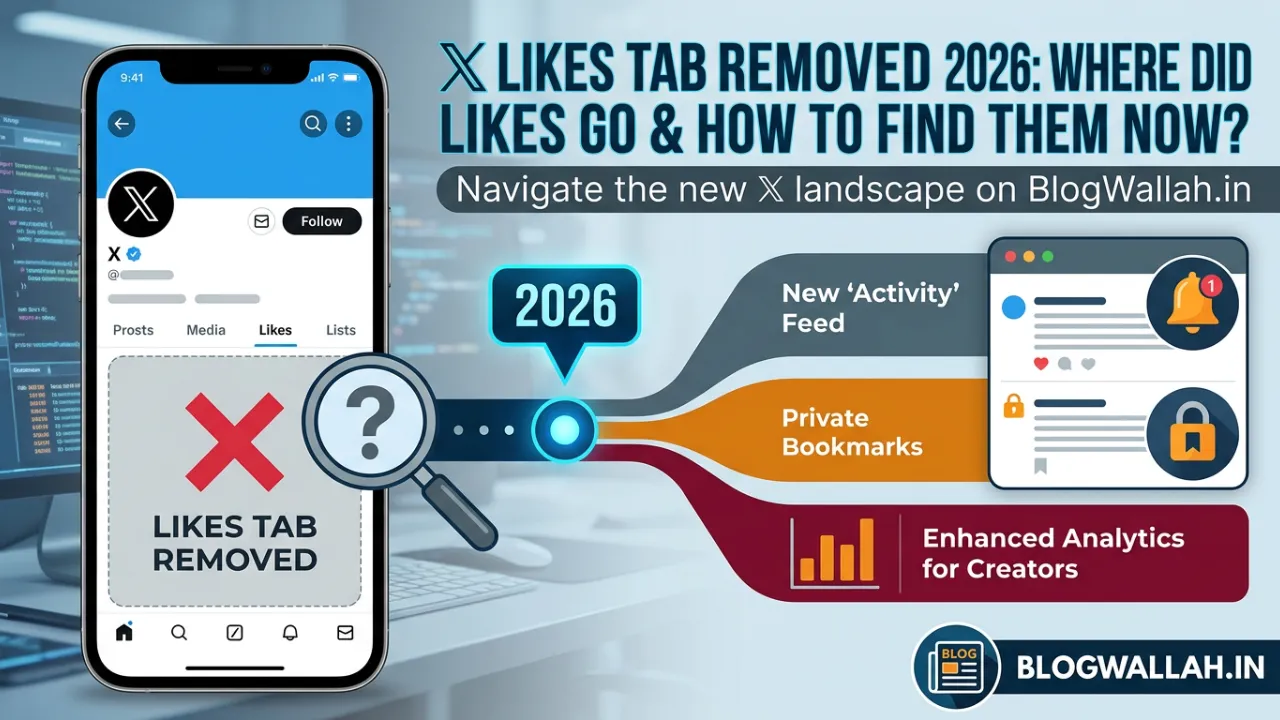
Opened the X app lately and couldn’t find your Likes tab where it used to be? You’re not imagining things, and you’re not alone. A growing number of users have been searching for answers after the familiar Likes section seemingly vanished from the app.
The short version: your liked posts almost certainly haven’t been deleted. X appears to be restructuring how it organizes saved and previously viewed content, folding Likes into a new tab called History — alongside Bookmarks, Videos, and Articles.
In simple words, X has not completely removed Likes for users. Instead, the platform appears to be moving liked posts into a new section called History.
Quick Summary Box
What happened? X appears to be replacing the standalone Likes tab with a new History section that also includes Bookmarks, Videos, and Articles.
Why did it happen? X seems to be aiming to simplify content discovery by grouping everything a user has saved, liked, watched, or opened into a single place.
Who is affected? Users on the latest app version, with the update reportedly appearing first for some iOS users before expanding further.
Why does it matter? Users searching for their liked posts in the old location may assume the feature was deleted, when it has more likely just been relocated.
What happens next? X is expected to continue rolling out the History tab gradually across more accounts, platforms, and regions.

The new History tab, explained
Instead of separate destinations for Bookmarks, Likes, watched videos, and opened articles, X is consolidating all four into a single History section. Based on current reports, the four sub-tabs work as follows:
- Bookmarks: Posts a user has manually saved.
- Likes: Posts a user has liked.
- Videos: Videos a user has watched on X.
- Articles: Long-form articles or links a user has opened inside the app.
The goal appears straightforward — give users one consistent place to return to anything they’ve previously interacted with, rather than hunting across multiple menus.
How to find your Likes under the new layout
For users who have received the update, liked posts can typically be found by following these steps:
- Open the X app on your phone.
- Tap your profile icon or open the side menu.
- Look for “History” where “Bookmarks” used to appear.
- Tap History.
- Select the Likes tab from within History.
If History doesn’t appear yet, the update likely hasn’t reached that account. X has a track record of rolling out interface changes in stages rather than all at once.
Not everyone has it yet
The History tab reportedly appeared first for some iOS users, which means Android and desktop users may currently see the older layout, or may receive the update later. Timing can vary based on app version, account, and region — a common pattern for platforms testing significant interface changes before a full rollout.
Expert Analysis
Consolidating Bookmarks, Likes, Videos, and Articles into a single History tab reflects a broader trend among social platforms: reducing the number of places users have to check to find content they’ve already engaged with. Scattered save-and-revisit features tend to get underused simply because people forget where to look. A single, clearly labeled hub addresses that friction directly.
The staged rollout approach — starting with a subset of iOS users — is also standard practice for major navigation changes. It lets a platform gather usage data and catch bugs before a change reaches its full user base, reducing the risk of a broad backlash if something doesn’t work as intended.
Why This Matters
For everyday users, the disappearance of a familiar tab without any obvious replacement can feel like a bug or a lost feature, especially for people who use Likes as an informal bookmarking system. Understanding that Likes have moved — rather than vanished — should ease the more urgent worry: that liked posts, saved threads, or shopping links have been permanently deleted.
Impact on Users and the Platform
Casual users: May need a moment to relearn where to find content they’re used to accessing quickly, but shouldn’t lose any of it in the process.
Power users and creators: Who rely on Bookmarks and Likes to track useful posts, threads, or shopping links may benefit from having everything grouped in one place instead of switching between separate tabs.
X as a platform: A consolidated History tab could encourage more consistent engagement with saved content, since users have one obvious place to return to instead of forgetting where something was stored.
Future Outlook
If X follows its usual pattern for staged rollouts, the History tab should reach a wider share of iOS users first, followed by Android and desktop versions of the app. Given that this is a navigation and organizational change rather than a removal of functionality, it’s unlikely X will reverse course, though further tweaks to how the sub-tabs are labeled or arranged are possible as the rollout continues.
What Happens Next
Users who still can’t locate their Likes can try updating the X app, restarting it, logging out and back in, or checking another device. Since the rollout is ongoing, some accounts simply haven’t received the update yet — patience, alongside keeping the app updated, is currently the most reliable fix.
How to Find Your Liked Posts on X in 2026
If your Likes tab is missing, try these steps:
- Open the X app on your phone.
- Tap your profile icon or open the side menu.
- Look for History instead of Bookmarks.
- Tap History.
- Select the Likes tab.
Your previously liked posts should appear there if the feature is available on your account.
If you do not see the History tab yet, your app may not have received the update. X often rolls out features gradually, so some users may get the new layout earlier than others.
Is the X Likes Tab Removed for Everyone?
No, the X Likes tab does not appear to be removed for everyone at the same time.
The new History tab has reportedly appeared first for some iOS users. As a result, Android and desktop users may still see the older X layout for now, or they may receive the update at a later stage. Availability can also vary by app version, region, and account rollout status, so not every user will see the same interface at the same time.
This is common with major app updates. Platforms like X often test or release new features in stages before making them available more widely.
What Is the New X History Tab?
The new X History tab is designed to help users quickly return to content they interacted with earlier.
Instead of keeping Bookmarks, Likes, watched videos, and read articles in separate areas, X is now grouping them into one private section. This makes the app feel more like a “save and revisit later” experience.
The four sections inside History are expected to work like this:
Bookmarks: Posts you manually saved.
Likes: Posts you liked.
Videos: Videos you watched on X.
Articles: Long-form articles or links you opened inside X.
This is useful for users who often lose track of interesting posts, videos, or articles after scrolling through their feed.
Also read;
X Likes Tab Disappeared – How to See Your Likes on X in 2026
You Don’t Have to Click Anything to Get Hacked Anymore – These Phone Settings Can Help
How to Disable AI Results in Google Search: What You Can and Can’t Turn Off
Did X Delete My Liked Posts?
In most cases, no. Your liked posts are likely not deleted.
If the Likes tab disappeared from its old location, your liked posts may have simply moved to the History > Likes section. However, if you still cannot find them, it may be due to one of these reasons:
Your app is not updated.
The feature has not rolled out to your account yet.
You are checking desktop while the feature is mobile-first.
There may be a temporary app bug.
You are looking at another user’s profile, where Likes are already private.
It is also important to remember that X made Likes private in 2024. That update means other users generally cannot see the posts you liked, but you can still view your own liked posts.
Why Did X Move Likes Into History?
X seems to be trying to make content discovery easier. Many users like, bookmark, watch, and open posts throughout the day, but later struggle to find them again.
By creating a single History tab, X can give users one place to revisit everything they interacted with. This is especially helpful for:
News articles
Long videos
Saved posts
Useful threads
Shopping links
Creator content
Posts you liked but forgot to bookmark
For everyday users, this update may reduce confusion once they understand where everything has moved.
Timeline
| Stage | Development |
|---|---|
| 2024 | X makes all users’ Likes private by default |
| Early 2026 | Reports emerge of a new History tab appearing for some iOS users |
| 2026 (ongoing) | “Bookmarks” label in the mobile side menu begins showing as “History” for affected accounts |
| Ongoing | Gradual rollout continues across iOS, with Android and desktop expected to follow |
Important Facts Table
| Detail | Information |
|---|---|
| Feature name | History tab |
| Replaces | Standalone Likes tab and old Bookmarks menu label |
| Sections inside History | Bookmarks, Likes, Videos, Articles |
| Initial rollout platform | iOS (reported first) |
| Likes visibility | Private since 2024; only the account owner can view their own Likes |
| Data loss | None reported — liked posts are relocated, not deleted |
| How to access | Side menu → History → Likes |
What to Do If You Still Cannot Find Likes on X
If your X Likes tab is missing and you do not see the new History tab, try these fixes:
Update the X app from the App Store or Google Play Store.
Close and reopen the app.
Log out and log back in.
Check the side menu carefully for “History.”
Try using X on another device.
Wait for the rollout to reach your account.
If none of these work, it may be a temporary issue with the app update. Since the History tab is still rolling out, not every account may show the same interface right away.
X Likes Tab Removed 2026: Final Answer
The X Likes tab removed 2026 issue is mostly connected to X’s new History tab update. Your liked posts are not necessarily gone. Instead, X is reorganizing Likes, Bookmarks, Videos, and Articles into one place.
For many users, the new path is:
X app → Side menu → History → Likes
The update may feel confusing at first, especially for users who were used to the older layout. But the new History tab could make it easier to find posts, videos, and articles you interacted with earlier.
Conclusion
The “X Likes tab removed 2026” concern circulating online is, in most cases, a story about relocation rather than deletion. X appears to be folding Likes into a broader History tab alongside Bookmarks, Videos, and Articles, aiming to give users a single, more organized place to revisit content they’ve engaged with. For anyone still hunting for their liked posts, the new path is simple: X app → side menu → History → Likes.
1. Why is my X Likes tab missing in 2026?
Your X Likes tab may be missing because X is rolling out a new History tab that includes Likes, Bookmarks, Videos, and Articles in one section.
Where can I find liked posts on X now?
You can usually find liked posts by opening the X app, going to the side menu, tapping History, and selecting the Likes tab.
Did X remove Likes permanently?
No, X does not appear to have removed Likes permanently. The Likes section has likely been moved into the new History tab for some users.
Is the X History tab available on Android?
The feature was initially reported for iOS users. Android users may receive it later depending on rollout timing and app version.
Can other users see my liked posts on X?
No, X made Likes private in 2024. Other users generally cannot see your liked posts, but you can still view your own Likes.
What if I still can’t find the History tab?
Try updating the X app, restarting it, logging out and back in, or checking on another device. The rollout is gradual, so not every account has received it yet.
What’s included in the new History tab?
The History tab reportedly groups four sections: Bookmarks, Likes, Videos you’ve watched, and Articles you’ve opened within the app.
1 thought on “X Likes Tab Missing in 2026? Here’s Where Your Liked Posts Actually Went”